
 Mobile App Development
 Software Development
 AI Solutions & Automation
 IoT Solutions
 Web Development
 Cyber Security
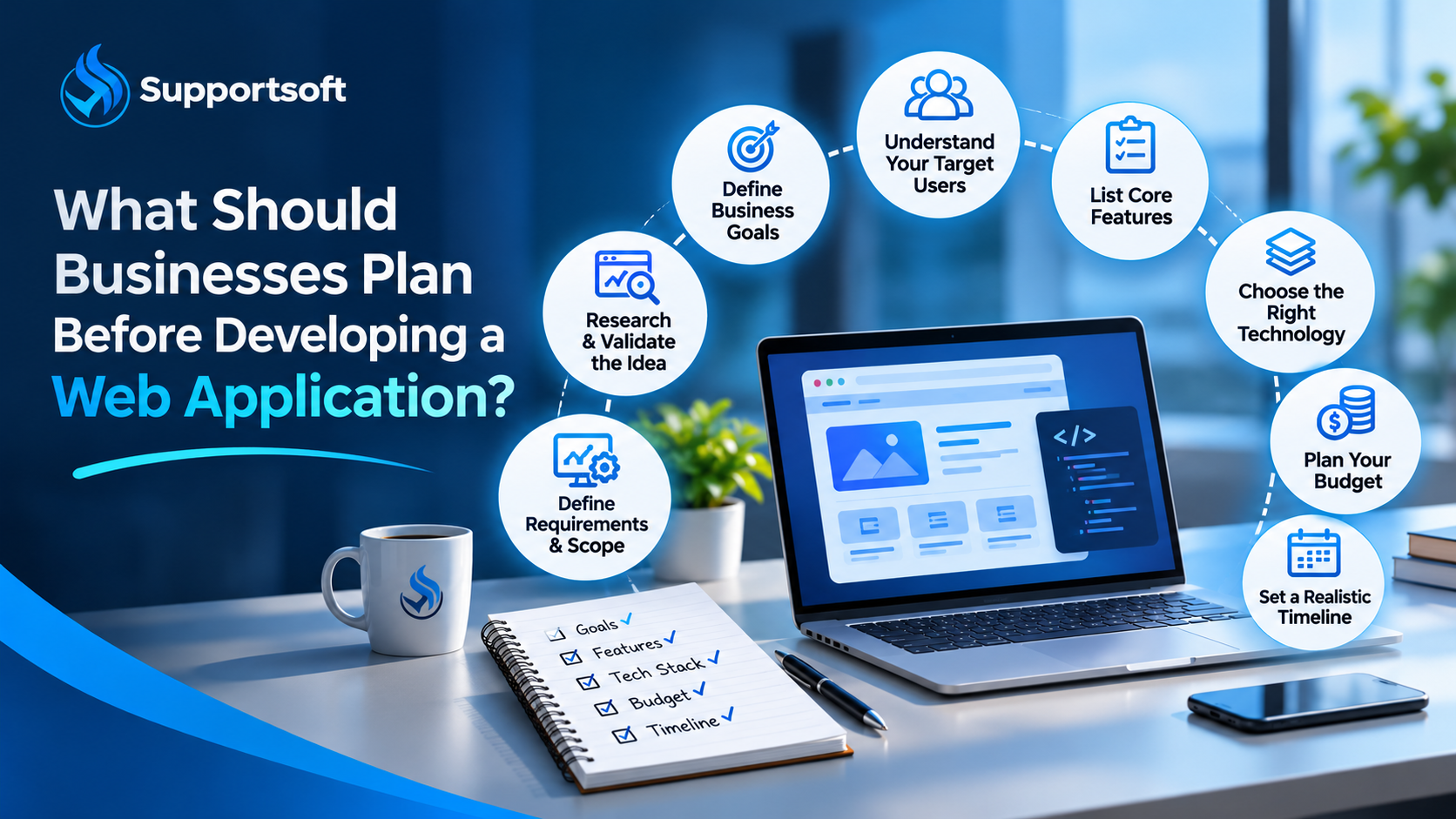
What Should Businesses Plan Before Developing a Web Application?

Supportsoft Nov 26, 2026
A well-planned web application can help a business manage operations, connect systems, serve customers and support digital services. However, successful development involves more than selecting a technology or listing the features an application should include. Businesses need to understand their objectives, users, workflows, data requirements and technical constraints before development begins.
Modern web applications can also incorporate intelligent capabilities such as automated workflows, AI-assisted customer support, predictive analysis and personalised recommendations. These features should be considered only when they address a genuine business requirement and can be supported by suitable data, infrastructure and security controls.
Introduction
Web applications have become an important part of how businesses deliver services and manage digital operations. They can support customer portals, booking platforms, inventory systems, internal management tools, subscription products and other browser-based services.
Unlike a basic informational website, a web application usually involves interactive functionality, data processing, user accounts and connections with other systems. Its development therefore requires careful planning across business, design and technical areas.
Without a clear plan, businesses may encounter changing requirements, unnecessary features, integration difficulties, unexpected costs and performance problems during or after development.
Understanding what to plan before developing a web application helps organisations establish realistic expectations, define the project scope and make informed technical decisions.
This guide explains the key business and technical considerations to address before starting a web application project.
Define the Business Problem and Project Objectives
The first step is to identify why the business needs a web application.
A development project should begin with a specific business problem or opportunity, rather than a general intention to build a digital product.
For example, a business might want to:
- Replace manual administrative processes
- Allow customers to manage their accounts online
- Provide suppliers with access to order information
- Automate appointment scheduling
- Manage inventory across multiple locations
- Bring information from disconnected systems into one platform
- Offer a subscription-based digital service
- Improve visibility into business operations
Once the problem is identified, define the outcomes the application should support.
Establish Measurable Objectives
Objectives should describe what the business expects the application to achieve.
Examples include:
- Reduce repetitive administrative work
- Improve the accuracy of business records
- Make customer information easier to access
- Reduce delays in processing requests
- Improve visibility into operational activities
- Support additional users, locations or services
Avoid relying on vague objectives such as making operations better or improving efficiency. Define what should change and how the business will assess whether the application is delivering value.
Identify the Target Users and Their Requirements
A web application may serve different groups of users, each with different responsibilities and expectations.
For example, an order management platform might be used by customers, sales employees, warehouse staff and administrators. Each group needs access to different information and functionality.
Before development, identify:
- Who will use the application?
- What tasks will each user perform?
- What information will each user need?
- Which actions should each user be permitted to complete?
- Will users access the application from desktop, tablet or mobile devices?
- Do different users require different dashboards or interfaces?
Create User Roles and Permissions
User roles help define how people interact with the application.
| User role | Possible responsibilities |
|---|---|
| Customer | Create accounts, place orders and track requests |
| Employee | Process tasks and update business records |
| Manager | Review activity, approve requests and monitor performance |
| Administrator | Manage users, settings and access permissions |
| Supplier or partner | View relevant information and submit updates |
These roles should be based on actual business responsibilities. Avoid giving every user access to all application functions.
Map Important User Journeys
A user journey describes the steps someone follows to complete a task.
For an online booking application, the journey might include:
- The customer opens the application
- The customer selects a service
- Available dates and times are displayed
- The customer enters the required information
- The booking is confirmed
- A confirmation notification is sent
- The customer can later view or modify the booking
Mapping these journeys before development helps identify missing steps, unnecessary interactions and opportunities to simplify the application.
Document Functional and Non-Functional Requirements
Once business objectives and users are understood, the next step is to document the application's requirements.
These requirements generally fall into two categories: functional and non-functional.
Functional Requirements
Functional requirements describe what the application must do.
Depending on the business model, they may include:
- User registration and login
- Customer account management
- Product or service catalogues
- Booking and scheduling
- Search and filtering
- Online payments
- Document uploads and downloads
- Notifications and messaging
- Reporting and dashboards
- Administrative controls
- Third-party system integrations
Not every application needs all these features. Include only the functionality that supports the defined business objectives and user journeys.
Non-Functional Requirements
Non-functional requirements describe how the application should operate.
Important considerations include:
- Performance and response times
- Security and data protection
- Availability and reliability
- Accessibility
- Browser and device compatibility
- Scalability
- Maintainability
- Backup and recovery
- Data retention requirements
These requirements can significantly influence the architecture, development effort and ongoing operating costs.
For example, an application used by a small internal team may have different availability and scalability requirements from a public platform that supports a large customer base.
Decide Which Features Belong in the Initial Version
One common planning mistake is trying to include every possible feature in the first release.
A large initial scope can increase development complexity, cost and delivery time. It can also make it harder to determine which features are genuinely important to users.
Businesses should prioritise functionality according to its value and necessity.
Separate Essential Features From Future Improvements
A practical way to organise requirements is to use three priority levels.
| Priority | Description | Example |
|---|---|---|
| Essential | Required for the application to perform its primary purpose | Account access, core workflow and data management |
| Important | Improves usability or supports additional business needs | Notifications, advanced filters and reporting |
| Future enhancement | Can be introduced after the initial release | Advanced automation and additional integrations |
Consider a Minimum Viable Product
A minimum viable product (MVP) is an initial version containing the essential functionality needed to test a product or workflow with real users.
For example, an appointment booking application might initially include:
- Customer registration
- Service selection
- Availability checking
- Booking confirmation
- Basic administrative management
Advanced reporting, loyalty programmes and additional automation could be considered later.
The initial scope should still include appropriate security, testing and reliability requirements. An MVP should be limited in functionality, not careless in implementation.
Plan the Application Architecture and Technology Stack
The technical architecture determines how the application's components work together.
It influences how the application processes requests, stores information, communicates with external services and supports future changes.
The architecture should be selected according to the project's requirements rather than choosing technologies simply because they are popular.
Understand the Main Technical Components
A typical web application may include the following components:
| Component | Purpose |
|---|---|
| Frontend | Provides the interface users interact with |
| Backend | Processes business logic and application requests |
| Database | Stores and manages application information |
| APIs | Enable communication between systems |
| Authentication | Verifies user identities and manages access |
| Hosting infrastructure | Runs the application and its supporting services |
| Monitoring tools | Help track performance, errors and availability |
Select Suitable Technologies
Technology selection should consider:
- Required functionality
- Expected user numbers and workload
- Integration requirements
- Developer expertise and availability
- Security and maintenance needs
- Hosting and infrastructure costs
- Future development requirements
The frontend, backend, database and infrastructure should work together as a coherent system.
Businesses planning more complex applications should also understand how backend architecture, deployment processes and infrastructure management affect reliability.
Identify Required Integrations With Existing Business Systems
Many web applications need to communicate with software the business already uses.
These integrations allow information to move between systems and reduce the need for employees to enter the same data repeatedly.
Common integration requirements include:
- Customer relationship management (CRM) platforms
- Accounting and invoicing software
- Payment gateways
- Email and SMS services
- Inventory management systems
- Enterprise resource planning (ERP) platforms
- Shipping and logistics providers
- External data services
Assess Integration Requirements Before Development
For each proposed integration, identify:
- Which system needs to connect to the application?
- What information needs to be exchanged?
- Which system will be the primary source of each data type?
- How frequently should information be synchronised?
- Does the external platform provide suitable APIs?
- What authentication and permissions are required?
- How should errors or service interruptions be handled?
Integration planning should also consider data consistency and failure handling.
For example, if a payment provider temporarily becomes unavailable, the application should not incorrectly mark an unpaid transaction as completed.
A clear integration plan helps avoid technical assumptions that can create problems during development
Establish Data Management and Database Requirements
A web application often depends on the quality, structure and availability of its data.
Before development, businesses should identify what information the application needs to collect, store, process and display.
Define the Main Data Categories
Depending on the application, these may include:
- User and account information
- Customer records
- Product and service information
- Orders and transactions
- Booking records
- Employee information
- Documents and uploaded files
- Activity logs
- Reporting information
Plan How Data Will Be Managed
Important questions include:
- Where will the information be stored?
- Which users can access different data categories?
- How will records be updated?
- How will duplicate or inaccurate information be handled?
- How long should information be retained?
- How will data be backed up?
- What happens if information needs to be restored?
The database structure should reflect the relationships between different records.
For example, an order management platform may need relationships between customers, orders, products, payments and delivery records.
Planning these relationships early can make the application easier to maintain and extend.
Include Security, Privacy and Access Controls From the Beginning
Security should be considered during the planning stage rather than added as a final development task.
Web applications may process personal information, financial details, business records and confidential documents. Poor security planning can expose this information to unauthorised access or misuse.
Identify the Security Requirements
Consider the following areas:
- Secure authentication
- Role-based access control
- Appropriate password protection
- Encryption of sensitive information
- Secure API communication
- Input validation and protection against common vulnerabilities
- Session management
- Audit logs
- Regular security updates
- Backup and recovery procedures
Consider Privacy Obligations
Businesses operating in Australia should assess the privacy requirements relevant to their organisation, industry and information-handling activities.
This may involve understanding:
- What personal information is collected
- Why the information is required
- How it will be used
- Who can access it
- Whether it is shared with external providers
- How long it is retained
- How users can exercise applicable privacy rights
Where relevant, businesses should assess their obligations under the Australian Privacy Principles and the Privacy Act 1988. The specific requirements depend on the organisation and the information involved, so appropriate legal or privacy advice may be necessary.
Security and privacy requirements should influence the application's architecture, database design, hosting arrangements and operational procedures.
Plan the User Interface and User Experience
A web application should be easy to understand and practical to use.
Even when an application has extensive functionality, confusing navigation or complicated workflows can prevent users from completing important tasks.
Define the Interface Requirements
Before development, consider:
- Main navigation and page structure
- Dashboard layouts
- Forms and data-entry processes
- Search and filtering controls
- Error messages and validation
- Notifications and confirmation messages
- Mobile and tablet layouts
- Accessibility requirements
Design Around User Tasks
The interface should help users complete their work with as little unnecessary effort as possible.
For example, an employee dashboard should prioritise the information and actions relevant to that employee's responsibilities. It should not display every administrative function available in the system.
Wireframes and prototypes can help businesses review the proposed structure before full development begins.
This provides an opportunity to identify usability issues and clarify requirements before they become more expensive to change.
Consider Performance, Scalability and Hosting
A web application needs suitable infrastructure to operate reliably.
Hosting decisions should be based on the application's expected workload, availability requirements, data storage needs and technical architecture.
Estimate Expected Usage
Consider:
- How many users are expected initially?
- How many users may access the application simultaneously?
- Will usage vary throughout the day?
- How much data will the application process?
- Will users upload documents or media?
- Are there seasonal or campaign-related traffic increases?
These estimates help inform infrastructure and performance requirements.
Plan for Future Growth
Scalability does not necessarily mean building a highly complex infrastructure from the beginning.
It means selecting an approach that can accommodate realistic changes in demand without requiring an unnecessary redesign.
Potential considerations include:
- Database performance
- Application resource requirements
- Caching
- Load management
- File storage
- Monitoring
- Backup and recovery
- Hosting configuration
The right hosting environment should support the application's operational requirements while keeping infrastructure costs manageable.
Establish a Realistic Budget and Development Timeline
A web application budget should reflect the full project scope, not just the cost of writing code.
Development costs depend on the application's complexity, functionality, design requirements, integrations, infrastructure and testing needs.
Identify the Main Cost Areas
| Cost area | What it may include |
|---|---|
| Discovery and planning | Requirements gathering, technical assessment and project planning |
| UI/UX design | Wireframes, prototypes and interface design |
| Frontend development | User-facing functionality and responsive layouts |
| Backend development | Business logic, APIs and database functionality |
| Integrations | Connections with external systems |
| Testing | Functional, security, compatibility and performance testing |
| Deployment | Hosting configuration and production release |
| Maintenance | Monitoring, updates, bug fixes and ongoing improvements |
Businesses should also consider recurring costs such as hosting, software subscriptions, third-party API usage, monitoring services and technical support.
Define Project Milestones
A realistic development timeline can include:
- Discovery and requirements gathering
- Technical planning and architecture
- UI/UX design
- Frontend and backend development
- Integration development
- Testing and quality assurance
- Deployment and handover
The duration of each stage depends on the scope and complexity of the application. It is better to establish estimates after requirements have been reviewed than to rely on an arbitrary delivery date.
Plan Testing, Deployment and Ongoing Maintenance
A web application should be tested before it becomes available to its intended users.
Testing helps identify functional defects, usability problems, security weaknesses and compatibility issues.
Include Different Types of Testing
| Testing type | What it checks |
|---|---|
| Functional testing | Whether features work according to requirements |
| Usability testing | Whether users can complete tasks effectively |
| Compatibility testing | Whether the application works across supported browsers and devices |
| Performance testing | How the application behaves under expected workloads |
| Security testing | Whether vulnerabilities or access-control weaknesses exist |
| Integration testing | Whether connected systems exchange information correctly |
| User acceptance testing | Whether the application meets business expectations |
Plan the Deployment Process
Before launch, confirm:
- Production hosting is configured
- Domain and SSL arrangements are ready
- Required integrations are connected
- Data migration has been tested, if applicable
- Backups are available
- Monitoring is configured
- User access and permissions are reviewed
- The release and rollback procedures are documented
Consider Ongoing Maintenance
Development does not end when the application goes live.
The business should plan for:
- Bug fixes
- Security patches
- Framework and dependency updates
- Infrastructure monitoring
- Database maintenance
- Backup verification
- Performance improvements
- Feature enhancements
- User feedback and support
A maintenance plan helps keep the application reliable as business requirements and technology change.
Choose a Development Partner With Relevant Experience
The development team can influence how effectively business requirements are translated into a working application.
Businesses should evaluate potential development partners according to their ability to understand the project, recommend an appropriate technical approach and deliver the required functionality.
What Should Businesses Evaluate?
Look for evidence of:
- Relevant web application development experience
- Backend and frontend technical capabilities
- Database and API integration knowledge
- UI/UX design experience
- Security and quality assurance practices
- Project communication and documentation
- Testing and deployment processes
- Ongoing maintenance and support arrangements
Ask prospective development partners how they approach requirements gathering, technical planning, project milestones and changes to scope.
It is also useful to understand what the proposal includes and excludes. For a broader understanding of the technical services and solutions involved, explore SupportSoft's Web App Development Services.
Use a Pre-Development Web Application Planning Checklist
Before approving a project, review whether the main business and technical requirements have been documented.
| Planning area | Questions to confirm |
|---|---|
| Business objectives | Is the problem and expected outcome clearly defined? |
| Target users | Are user groups, roles and responsibilities identified? |
| User journeys | Are the main workflows documented? |
| Functionality | Are essential features and future enhancements separated? |
| Architecture | Is there a suitable preliminary technical approach? |
| Integrations | Are existing systems and API requirements identified? |
| Data | Are data structures, storage and access requirements understood? |
| Security | Are authentication, permissions and privacy requirements considered? |
| User experience | Are navigation, interface and device requirements defined? |
| Infrastructure | Are hosting, performance and scalability needs understood? |
| Budget | Are development and ongoing costs considered? |
| Timeline | Are project stages and milestones realistic? |
| Testing | Are testing and acceptance criteria documented? |
| Maintenance | Is post-launch support planned? |
Not every technical detail needs to be finalised before the project starts. However, the business should have enough information to make informed decisions about scope, feasibility, investment and delivery expectations.
Conclusion
Developing a web application requires careful planning across business objectives, user requirements, functionality, architecture, integrations, data management, security, budget and ongoing support.
A clear pre-development plan helps businesses prioritise essential features, reduce avoidable changes and select a technical approach that supports their operational requirements.
Rather than beginning with a list of technologies or features, businesses should start by understanding the problem the application needs to solve. That foundation makes it easier to define the scope, evaluate development options and build a web application that can adapt as the organisation grows.
Frequently Asked Questions
What should businesses consider before developing a web application?
Businesses should define their objectives, target users, essential features, workflows, technical requirements, integrations, security needs, budget and maintenance expectations before development begins.
How do I plan a web application project?
Start by identifying the business problem and expected outcomes. Document user requirements, map important workflows, prioritise features, assess technical requirements, establish a budget and define project milestones.
What are the essential components of a web application?
A typical web application includes a frontend interface, backend logic, database, APIs, authentication and hosting infrastructure. Additional components depend on the application's functionality and business requirements.
Should I build an MVP before developing a full web application?
An MVP can be useful when a business needs to validate an idea, test essential workflows or gather feedback before expanding the product. It should include the core functionality needed to test the intended use case.
How much does it cost to develop a web application?
The cost depends on the application's scope, complexity, design, integrations, technology requirements, security controls and testing needs. A reliable estimate generally requires an assessment of the project requirements.
How long does web application development take?
The timeline varies according to functionality, integrations, design complexity, technical requirements and testing. A smaller application with limited workflows may require less development time than a platform with multiple user roles and complex integrations.
Which technology is best for web application development?
There is no single best technology for every project. The appropriate frontend, backend, database and hosting technologies depend on the application's requirements, expected workload, integration needs and long-term maintenance considerations.
How can businesses make a web application secure?
Security planning should include authentication, access controls, encryption, secure APIs, input validation, vulnerability testing, monitoring, backups and appropriate privacy controls.
Can a web application integrate with existing business software?
Yes. Web applications can integrate with suitable CRM, accounting, payment, inventory and other business platforms through APIs or supported integration methods. Feasibility depends on the capabilities and access arrangements of the connected systems.
Does a web application need ongoing maintenance after launch?
Yes. Ongoing maintenance helps address bugs, security vulnerabilities, software updates, performance issues and changing business requirements. Businesses should plan for monitoring, backups, technical support and future improvements.